Links marked “in Addora” open the matching screen in your Shopify admin. Sign in and choose your store if Shopify asks.
Open Operations, Orders in Addora ↗When you need to update many orders at once, use the bulk action bar in Operations (in Addora ↗) instead of opening each order individually.
Selecting orders
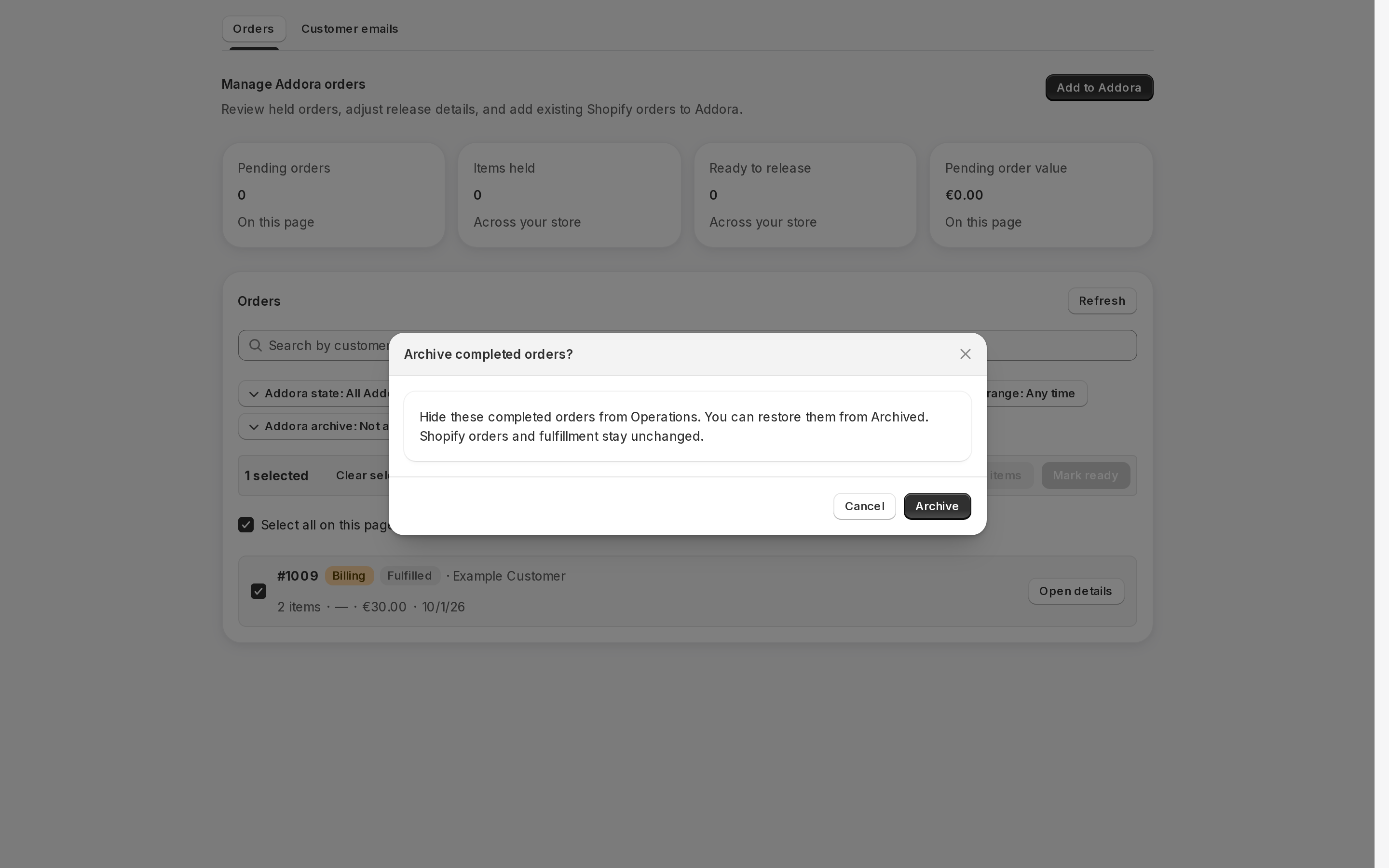
Tick the checkbox on the left of each order row you want to include. To select every order on the current page at once, tick Select all on this page at the top of the list. The number of selected orders appears in the bulk action bar that slides in above the list.
To remove an order from the selection, untick its checkbox. To clear the entire selection, press Clear selection in the bulk action bar.
Available bulk actions
The bulk action bar shows only the buttons that apply to your current selection. Each button is labelled with the count of items or orders it would affect.
- Mark ready (n): releases all held items across the selected orders. Only held items are affected; items that are already ready or shipped are skipped.
- Re-hold (n): puts all ready items across the selected orders back on hold. Only ready items are affected.
- Remove from Addora (n): returns the selected pending orders to regular Shopify fulfillment. Only pending orders count toward this number; released or shipped orders in the selection are skipped.
Confirmation and progress
Every bulk action shows a confirmation modal before it runs. The confirmation message reminds you that the change applies only to the selected orders. Other orders containing the same products are not changed.
After you press Apply, a progress bar shows how many orders have been processed. When finished, a toast shows the count of successes and, if any failed, the number of errors. The selection is cleared automatically.
Archive and restore
Archive eligible completed records to tidy Operations. Held or otherwise active work cannot be archived. Review the eligible/skipped counts before confirming. Switch to Archived to restore records. Archiving changes list visibility only; it does not cancel orders, release holds, change payment or fulfillment, or hide customer history.
STILL A QUESTION?
Let's work through it together.
Every store is a little different. We're here to help.