Links marked “in Addora” open the matching screen in your Shopify admin. Sign in and choose your store if Shopify asks.
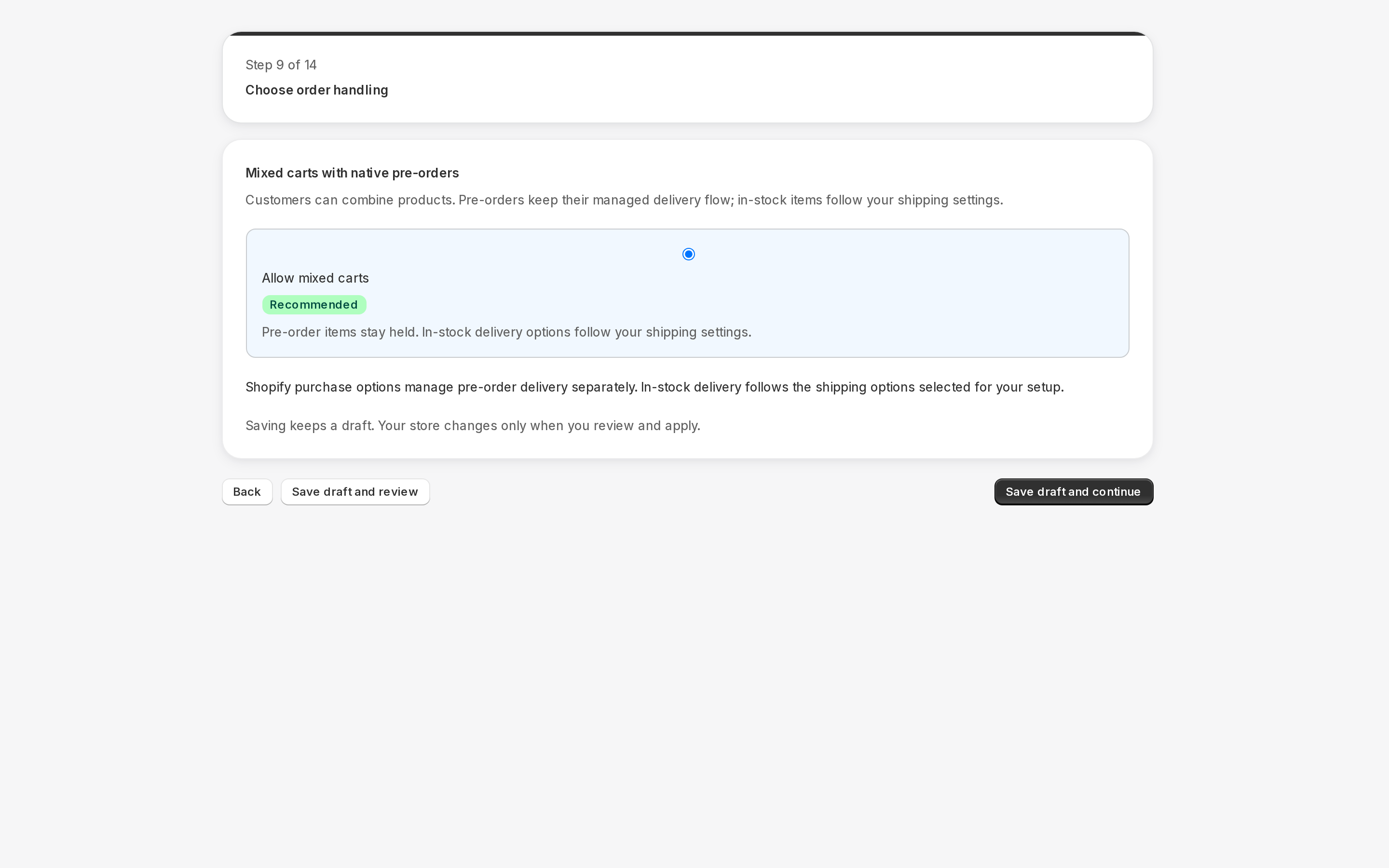
Open Settings, Pre-orders in Addora ↗Current order handling offers Ship ready items first or Require separate carts; the native buyer path labels the mixed-cart choice Allow mixed carts. Older whole-order behavior remains until changed and saved. A reliable split is required for partial shipment; otherwise Addora conservatively keeps the affected order waiting.
Open Ship Later coverage in Settings. Stores using market-driven shipping select eligible markets and complete the displayed coverage/approval checks; legacy stores select delivery profiles and zones. Saved coverage is not necessarily verified or active. Check the product, destination and selected setup path before testing checkout.
Legacy availability can offer Ship Later on every eligible cart or only preorder/supplier carts. The legacy delivery choice can show both methods, only Ship Later, or hide it. Combining preorder-only availability with hiding Ship Later removes it everywhere. Native preorder handling is shown separately in the current UI; test that actual path.
STILL A QUESTION?
Let's work through it together.
Every store is a little different. We're here to help.