Links marked “in Addora” open the matching screen in your Shopify admin. Sign in and choose your store if Shopify asks.
Open Settings, Pre-orders in Addora ↗Turn on Keep pre-order carts separate when customers must buy pre-order products and regular products in two different checkouts. Addora stops the mixed cart and shows a message explaining what to remove.
Turn the rule on
- Open Settings, Pre-orders (in Addora ↗).
- Find Keep pre-order carts separate.
- Turn on Require pre-order items to be purchased separately.
- Review the customer message and save.
Write a helpful customer message
Keep the message short and tell the customer exactly what to do: remove either the pre-order items or the other items, complete that order, then place a second order for the rest. Leave the field blank to use Addora's default message.
Allow useful add-ons in either cart
You can choose up to 50 products that skip the rule. Use this for products that should be allowed with either order type, such as gift cards, shipping protection or a small add-on. These products never trigger the separate-cart message themselves.
After saving, test one cart with a known pre-order, one regular product and any allowed add-on. If the wrong product triggers the rule, review Tell Addora which products to hold.
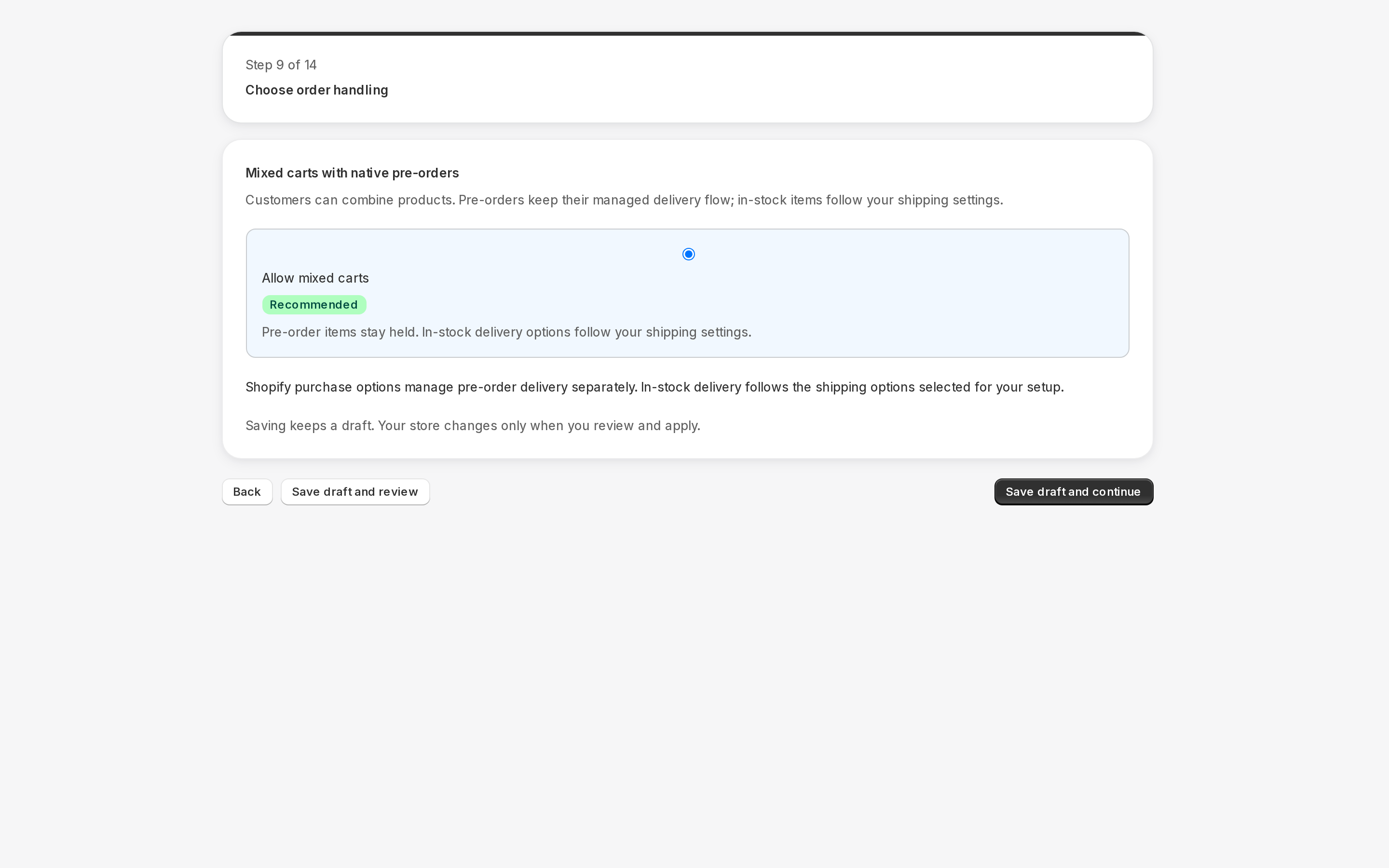
Current order handling offers Ship ready items first or Require separate carts; the native buyer path labels the mixed-cart choice Allow mixed carts. Older whole-order behavior remains until changed and saved. A reliable split is required for partial shipment; otherwise Addora conservatively keeps the affected order waiting.
STILL A QUESTION?
Let's work through it together.
Every store is a little different. We're here to help.