Links marked “in Addora” open the matching screen in your Shopify admin. Sign in and choose your store if Shopify asks.
Addora works with international stores. This article covers how currency, shipping prices, and customer-facing wording work across countries and languages.
Currency
Addora uses your store's currency as set in Shopify. All shipping fees you configure in Addora are charged in that currency. If your store uses Shopify Markets to present local currencies to shoppers, the conversion is handled by Shopify at checkout in the same way as your other shipping rates.
Per-country shipping prices
You can set a different base Ship Later fee for specific countries. This is useful if your shipping costs vary significantly by destination. Configure per-country fees in Settings, Ship Later (in Addora ↗). See Country-specific shipping fees for the full setup guide.
Languages in the merchant admin
Built-in notification defaults follow the resolved customer/storefront locale. Custom subject, heading and body overrides are shared text and are sent as entered, not automatically translated. The merchant app supports English, German, Spanish, French and Dutch. Test both default and customized emails in each language you use.
Ship Later names by storefront language
Maximum compatibility uses one Ship Later name and adds the small Addora marker so the method can be recognised in every language. Marker-free mode lets you enter a separate name for each published storefront language. Add the name whenever you publish a new language, and use distinctive wording that cannot be confused with another shipping option. See Remove the Addora marker safely.
Reminder and hold-update emails
The extra wording you add to Addora's reminder and hold-update emails (your custom subject lines, intro text, and so on) is what you type, so you can write it in any language. If your store serves customers in multiple languages, consider whether you need separate email content per language, and contact support if you need advice on the best approach. See Email language settings.
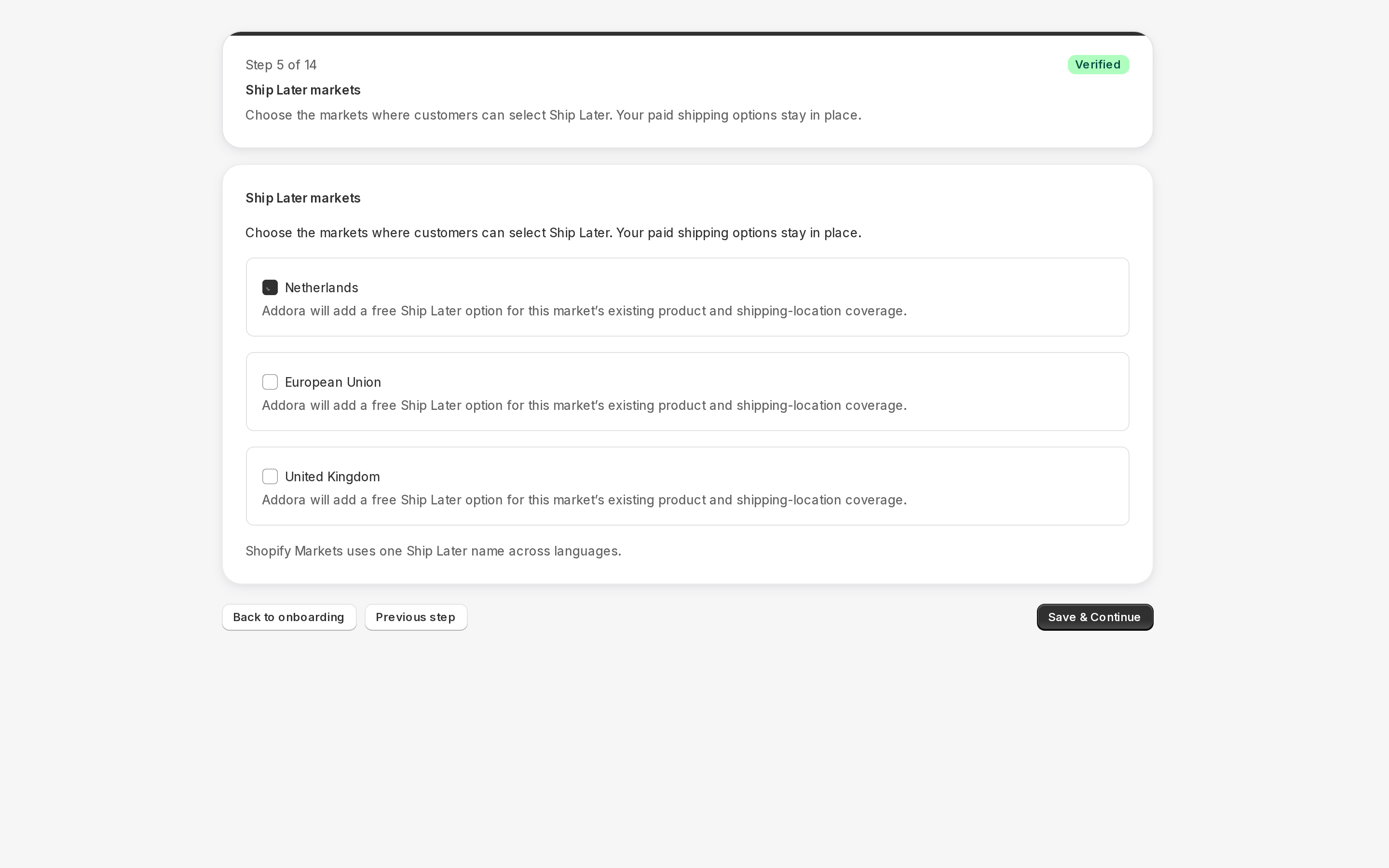
Open Ship Later coverage in Settings. Stores using market-driven shipping select eligible markets and complete the displayed coverage/approval checks; legacy stores select delivery profiles and zones. Saved coverage is not necessarily verified or active. Check the product, destination and selected setup path before testing checkout.
The final delivery total can include an eligible Shopify shipping rate plus Addora fee lines, less applicable discounts and available shipping credit. A zero Addora base fee does not guarantee free delivery. The estimate can be unavailable when address, currency or rate information is missing; checkout confirms the final amount.
STILL A QUESTION?
Let's work through it together.
Every store is a little different. We're here to help.