Links marked “in Addora” open the matching screen in your Shopify admin. Sign in and choose your store if Shopify asks.
Open Onboarding in Addora ↗Open Setup (in Addora ↗) and choose Ship Later only, Pre-orders only or Ship Later + pre-orders. The checklist follows that path; there is no single five-step sequence for every store.
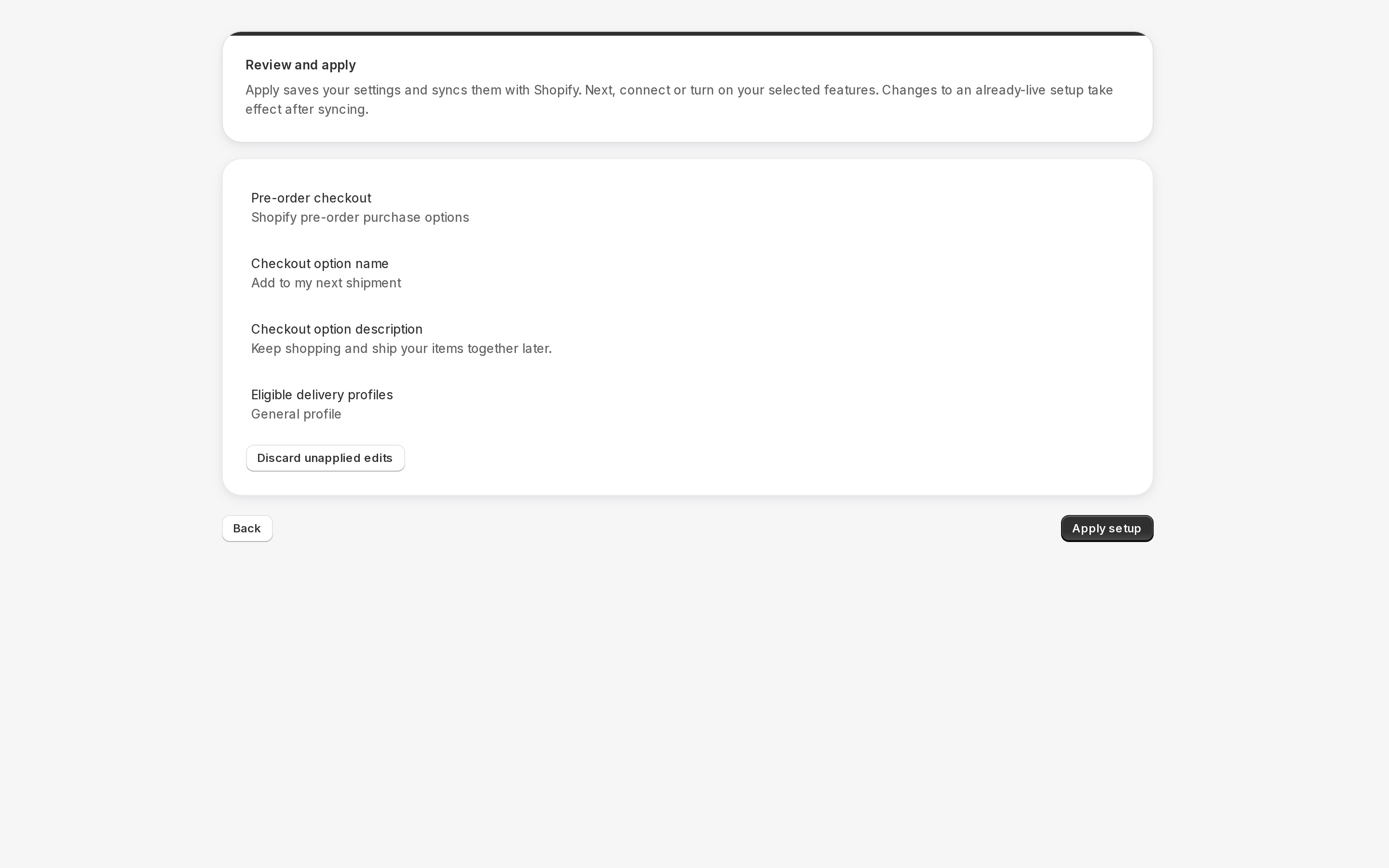
1. Configure the selected path
Choose your plan. For Ship Later, set the checkout wording and eligible shipping coverage. For pre-orders, select products in Addora or use your configured tags/metafields, set expected availability and choose whether mixed carts are allowed. Saving a draft does not activate checkout.
2. Apply and connect
Review and apply the configuration. Connect either the customer-account Held Orders page or a storefront order page, then refresh verification. Pre-orders also need their purchase connection and product publication to be ready. A badge or saved product selection alone does not connect the purchase flow.
3. Activate, then test
Finish the review/launch step and turn on the selected features when you are ready for customers to use them. Billing approval, an applied setup and feature activation are separate. Update the confirmation email with the assistant (in Addora ↗), then test the full journey before announcing it.
Open Ship Later coverage in Settings. Stores using market-driven shipping select eligible markets and complete the displayed coverage/approval checks; legacy stores select delivery profiles and zones. Saved coverage is not necessarily verified or active. Check the product, destination and selected setup path before testing checkout.
STILL A QUESTION?
Let's work through it together.
Every store is a little different. We're here to help.