Links marked “in Addora” open the matching screen in your Shopify admin. Sign in and choose your store if Shopify asks.
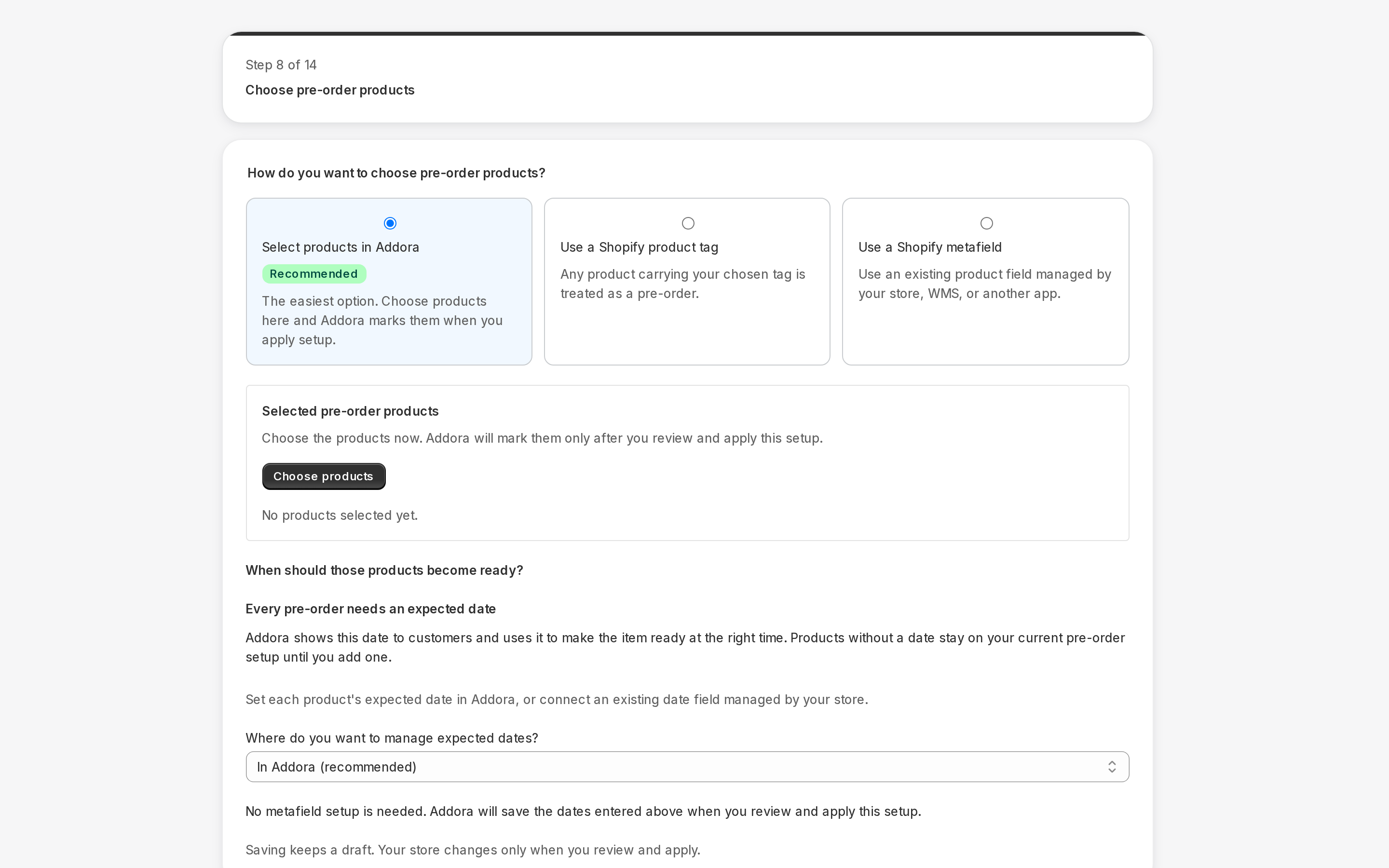
Open Settings, Pre-orders in Addora ↗Set a product date in Settings, Pre-orders (in Addora ↗). Find the product, open Set release date, choose a date and save. Addora can store the date itself; configuring your own metafield is optional.
Change, clear and verify
Reopen the date to change it, or Clear to remove that product’s date trigger without removing its preorder classification. A later date can return automatically managed ready portions to waiting. Clearing is not the same as marking ready. Supplier stock confirmation and order-specific holds can still control readiness.
Date changes are reconciled asynchronously in the store time zone. Product-level changes preserve manually pinned order dates and supplier stock-confirmation rules. A native preorder promise may impose a later minimum date. Check the affected order after processing rather than assuming an immediate update or guaranteed email.
Ready is not shipped
Ready means available for shipment selection, not dispatched. Order-drawer actions affect that order only. Product Mark ready can update all affected purchases; quantity arrivals allocate only the received variant units to the oldest eligible purchases. Remaining units stay held, and product-wide and pinned order-date rules remain distinct.
Notifications require the relevant paid entitlement and enabled setting. Jobs can be queued, skipped or suppressed after rechecking eligibility or unsubscribe state. The daily schedule is not an inbox-time guarantee. Inspect the actual log/result; changing a date does not by itself promise a sent email.
STILL A QUESTION?
Let's work through it together.
Every store is a little different. We're here to help.