Links marked “in Addora” open the matching screen in your Shopify admin. Sign in and choose your store if Shopify asks.
Open Settings, Pre-orders in Addora ↗Current order handling offers Ship ready items first or Require separate carts; the native buyer path labels the mixed-cart choice Allow mixed carts. Older whole-order behavior remains until changed and saved. A reliable split is required for partial shipment; otherwise Addora conservatively keeps the affected order waiting.
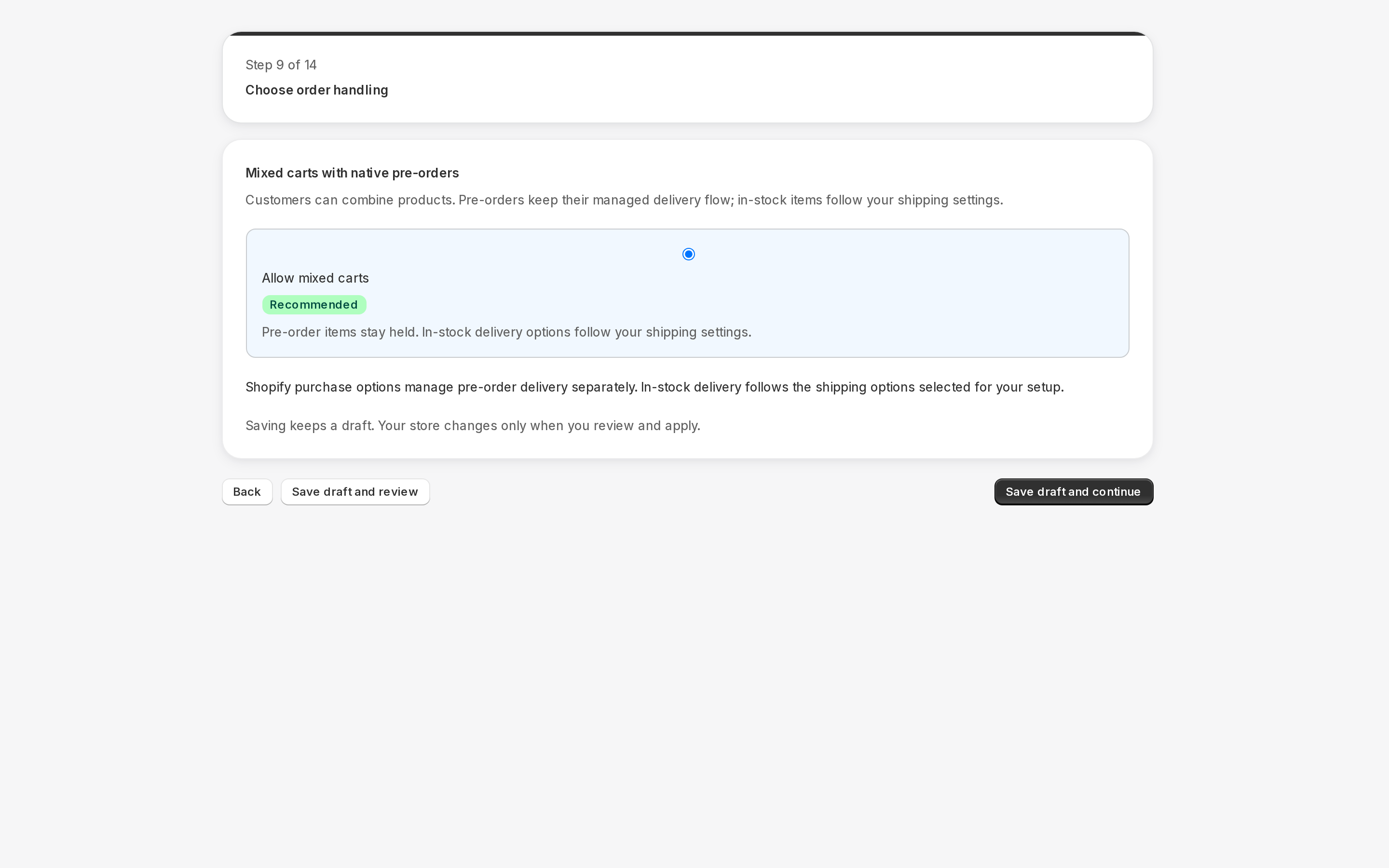
Check your current behavior
Open Settings, Pre-orders (in Addora ↗). A legacy whole-order banner describes the saved old behavior; choosing and saving a new option changes it. Current native pre-order intake is automatic. Legacy intake and delivery choices can appear under Legacy order settings.
Ready means available for shipment selection, not dispatched. Order-drawer actions affect that order only. Product Mark ready can update all affected purchases; quantity arrivals allocate only the received variant units to the oldest eligible purchases. Remaining units stay held, and product-wide and pinned order-date rules remain distinct.
STILL A QUESTION?
Let's work through it together.
Every store is a little different. We're here to help.