Links marked “in Addora” open the matching screen in your Shopify admin. Sign in and choose your store if Shopify asks.
Open Settings, Ship Later in Addora ↗Open Ship Later coverage in Settings. Stores using market-driven shipping select eligible markets and complete the displayed coverage/approval checks; legacy stores select delivery profiles and zones. Saved coverage is not necessarily verified or active. Check the product, destination and selected setup path before testing checkout.
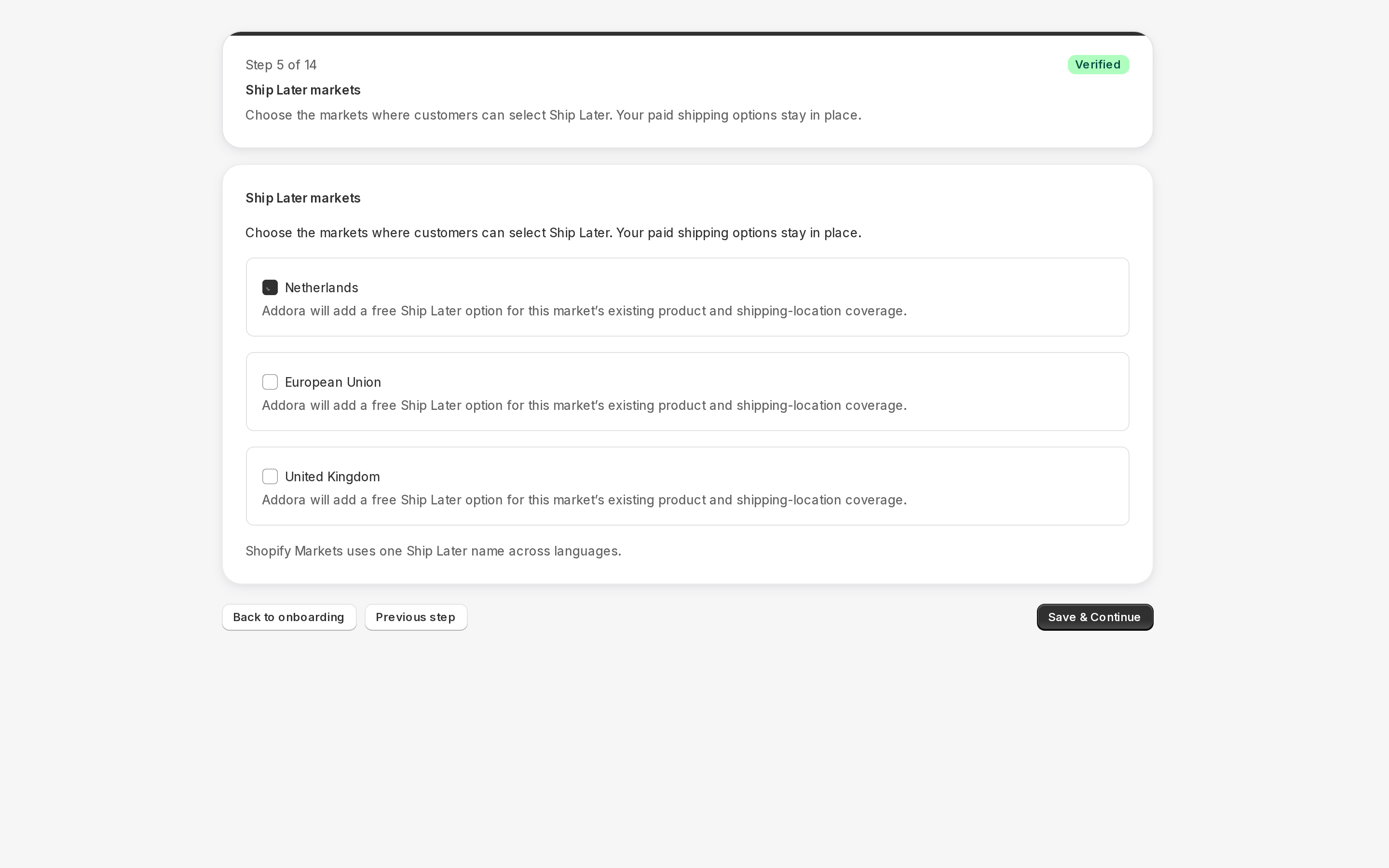
What a delivery profile does
Shopify lets you define different shipping zones and rates for different sets of products. For example, you might have one profile for standard products and another for oversized items with higher rates. Each profile defines which carriers, zones, and rate amounts apply to the products assigned to it. Addora adds its own Ship Later rate to the profiles you pick, so those products show the Ship Later option at checkout alongside your normal rates.
Which profiles to select
Select every delivery profile that covers products you want to be holdable via Ship Later. If a product is in a profile you have not selected, customers buying that product will not see the Ship Later option. You can select more than one profile.
Where to manage profile selection
- Go to Settings, Ship Later (in Addora ↗) in Addora.
- You will see a list of your store's delivery profiles.
- Toggle on every profile whose products should offer Ship Later.
- Save. Addora updates the selected profiles immediately.
What happens when you select a profile
Addora adds its Ship Later shipping method to every shipping zone inside the selected profile. The rate shows at zero cost at checkout (shipping is collected later, at ship time, not at this checkout). Customers buying products in that profile will now see the Ship Later option alongside your normal rates.
The general (default) profile
Shopify has a general delivery profile that covers all products not assigned to a custom profile. If most of your products live in the general profile, select it. You can also add custom profiles alongside it for specific product groups.
STILL A QUESTION?
Let's work through it together.
Every store is a little different. We're here to help.