
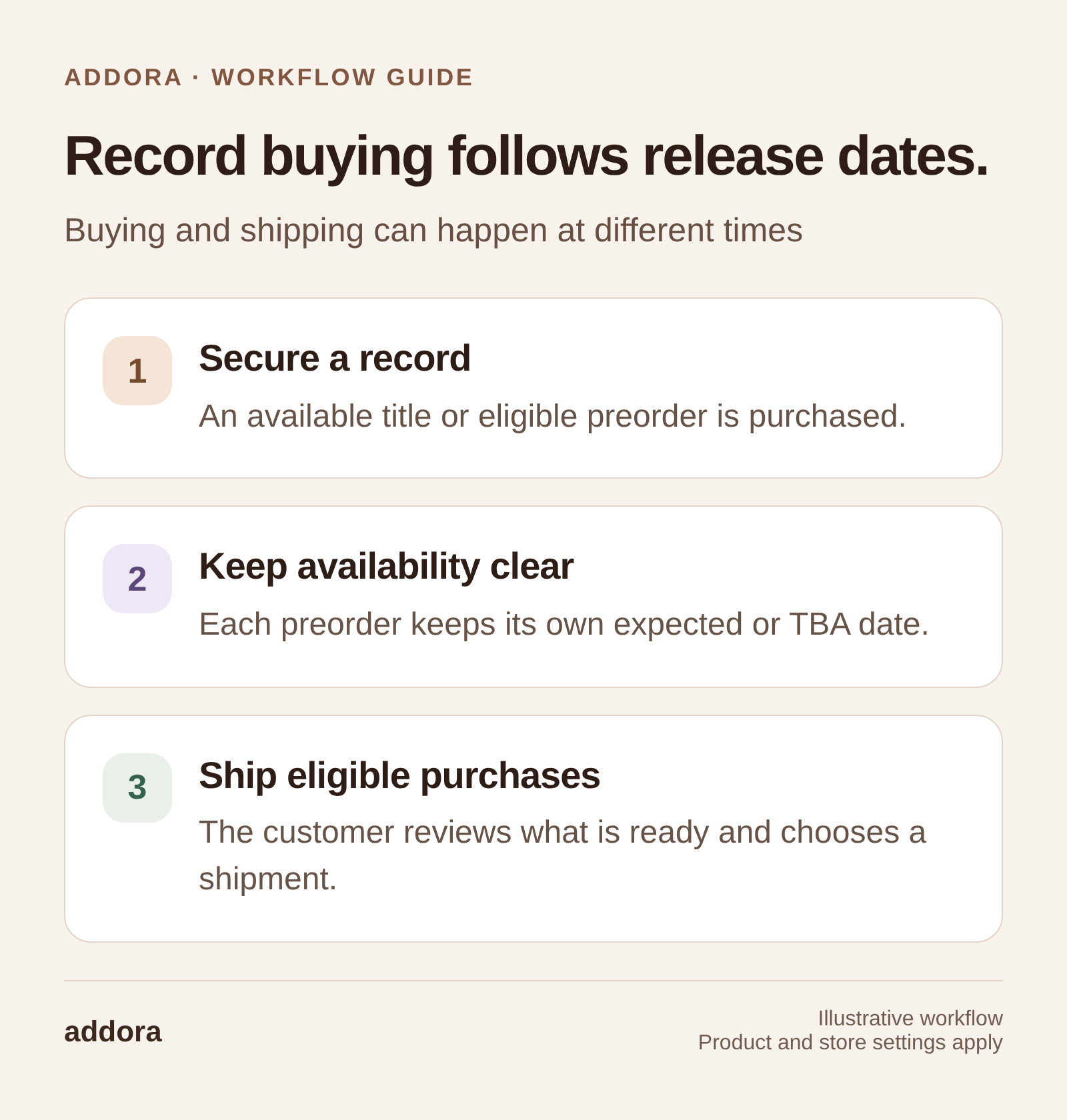
View this workflow at full size
Record buying often happens across several visits
A customer reserves an upcoming release, finds a used record a few days later, then adds a reissue the following week. Those are separate purchases, but the customer may prefer one shipping decision after the crate is worth sending.
Ship Later gives that customer a way to pay for products as they find them and release eligible items later. It is a workflow for repeat buying, not a guarantee that order volume or revenue will increase by a particular percentage.
An earlier version of this article used Ship Later adoption to discuss potential sales growth. Adoption and incremental growth are different measurements. The practical question for a record store is whether customers use the workflow and whether the resulting shipping process works for the business.
For customer feedback on this idea, read what more than 100 vinyl collectors said about combined shipping. Our Record Store Day article looks at the release-event context around that buying pattern.
Separate securing a record from shipping it
Limited stock and preorders make timing important. A customer may want to secure a title before it sells out without deciding that this is their final purchase for the month. Paying shipping on every small order can make that decision harder.
With Addora’s Ship Later workflow, eligible customers pay for products now and defer shipping. Their purchases remain held until they select eligible items for release. The store sets the shipping rules and makes the hold policy clear before purchase.
The benefit depends on actual behavior. If most customers make a single purchase and want immediate dispatch, ordinary shipping may already fit well. If customers regularly ask to combine orders across releases, a structured hold workflow addresses an existing request.
Keep preorders distinct from available records
A preorder is waiting for the product. An available record on hold is waiting for the customer’s shipping decision. Mixing those explanations makes an account difficult to understand.
Addora supports native Shopify preorders with full product payment at checkout and scheduled or TBA availability on supported storefront surfaces. A store can choose Preorders only with normal shipping, Ship Later only, or both.
When both are enabled, a customer can have ready records and waiting preorders in the same overall view. Eligible ready items can be selected for a shipment while the rest stay held. The vinyl shipping workflow explains how this fits purchases across releases.
Publish a hold policy customers can use
Explain how long purchases can remain held, where the customer returns to release them, and how shipping is calculated. If you offer a free-shipping threshold, clarify which eligible items count toward that shipment. Avoid implying that every future parcel will be free once a customer has paid shipping once.
Make the policy easy to find from the product page, checkout explanation and customer account. A familiar name such as “hold orders” or “build a crate” can help, but the name should lead to the same clear process everywhere.
Decide what happens when a customer stops returning. Reminder emails start on Starter. Your team still needs a policy for long-held purchases and a consistent way to handle exceptions.
For a concrete collecting model, read our Pile of Loot guide. Our Shopify customer accounts guide explains where customers can review held records and choose eligible purchases for shipping.
Test the awkward cases before launch
Use a test purchase containing an available record and a preorder with a later release date. Add another purchase for the same customer. Review how the held items appear and which can be selected for release.
Then test a delayed release and a partial arrival. Confirm that the record still waiting does not enter the packing queue merely because another item is ready. Item selection depends on eligibility and fulfillment setup; some orders may need to stay together.
Shipping can also involve more than one package. Tracking should follow the records actually fulfilled, while outstanding items retain their waiting state. Do not build a support promise around the assumption that every release creates exactly one tracking number.
Measure adoption without mistaking it for growth
Track how many eligible customers choose Ship Later, how many return to add another purchase, and how long items remain held before release. Review support requests, parcels per released group and any additional handling work.
If you compare Ship Later customers with other customers, remember that collectors who already buy frequently may be more likely to choose it. A higher order count in that group does not establish that the app caused the difference.
A useful first review asks whether customers understand the option, whether shipping charges match expectations, and whether staff can manage the held inventory reliably. Those are actionable findings even before you have enough evidence to evaluate incremental sales.
Start with a representative group of orders
Free allows a small-volume test, with 10 Addora orders per month and a hard stop at the limit. Review current plans and pricing before making the workflow a central part of your store.
Use the installation guide to test checkout, customer access, release and fulfillment together. The goal is a repeatable way for collectors to buy over time while your store retains a clear view of what is paid, what is waiting and what should ship next.
An Addora order is a Ship Later purchase or an eligible preorder handled by Addora, including preorders with normal shipping. Ordinary Shopify orders outside these workflows do not count toward your allowance.


